Security
Terraform Branch Deploy combines Branch Deploy's IssueOps controls with Terraform-specific saved plan handling. Treat the two layers separately when reviewing a workflow.
IssueOps Security Model
Use issue_comment for Terraform Branch Deploy workflows:
Issue comment workflows run from the workflow file on the default branch. A pull request author cannot change the deployment workflow in the same pull request and then trigger that changed workflow by commenting on the PR.
Do not use pull_request_target for Terraform Branch Deploy. That trigger is privileged and is intended for narrow PR metadata automation. It must not be combined with checking out or running pull request code.
Keep the job guarded so plain issue comments do not run deployment logic:
Inherited Branch Deploy Controls
Branch Deploy handles who can issue commands and when a command may continue.
| Area | Control |
|---|---|
| Command source | Commands are parsed from pull request comments. |
| Actor authorization | permissions, admins, and admins-pat control who can run commands. |
| Reviews and checks | checks, required-contexts, skip-ci, and skip-reviews control required gates. |
| Branch state | outdated-mode, update-branch, allow-sha-deployments, and target-branch settings control what ref may deploy. |
| Forks | Forked pull request deployment is not enabled by this action. |
| Deployments and locks | Branch Deploy creates deployment records and manages environment locks. |
| Promotion | enforced-deployment-order and deployment-confirmation can add production flow controls. |
Do not bypass the state exported by trigger mode. Later steps should use TF_BD_CONTINUE, TF_BD_REF, TF_BD_ENVIRONMENT, and TF_BD_OPERATION instead of re-parsing the comment or inventing a checkout ref.
Recommended production-oriented defaults:
- uses: scarowar/terraform-branch-deploy@<terraform-branch-deploy-ref>
  with:
    mode: trigger
    github-token: ${{ secrets.GITHUB_TOKEN }}
    disable-naked-commands: true
    checks: all
    outdated-mode: strict
    update-branch: warn
For smaller repositories, checks: required can be appropriate when branch protection defines the release gates.
GitHub Actions Hardening Baseline
Follow GitHub's secure-use guidance for every workflow that can deploy infrastructure:
- Keep
GITHUB_TOKENpermissions explicit and scoped to the job. - Pass PR-controlled values through
env, action inputs, or CLI arguments; do not interpolate event or comment values directly into shell scripts. - Write values to
GITHUB_ENVandGITHUB_OUTPUTwith the multiline file-command format when values can contain arbitrary text. - Pin third-party actions to a full commit SHA in production workflows.
- Avoid self-hosted runners for public or untrusted pull request deployments unless they are isolated and disposable.
- Review workflow logs after valid and invalid commands to confirm secrets and Terraform variables are not printed.
Terraform Saved Plan Controls
Terraform Branch Deploy handles the Terraform execution path after Branch Deploy allows a command to continue.
| Area | Control |
|---|---|
| Environment scope | Execute mode validates the requested environment against .tf-branch-deploy.yml. |
| Normal apply | .apply to <env> requires the latest successful saved plan file for the environment and commit SHA. |
| Missing artifact behavior | If the saved plan artifact is not found (never created, expired, or rejected), apply fails with an actionable PR comment instead of running an untargeted apply. |
| Plan intent binding | Every plan run records an intent artifact before Terraform runs. Apply resolves the plan only through the newest intent record, so a superseded plan is never applied, and a failed or in-flight latest plan attempt blocks apply. |
| Saved plan consistency | New plans include metadata with environment, commit SHA, checksum, Terraform version, extra arguments, params hash, and creation time. |
| Metadata verification | Apply requires valid metadata, a matching artifact-name params hash, and a valid checksum. Re-plan to replace older saved plans without metadata. |
| Artifact provenance | Restore rejects plan artifacts uploaded by workflow runs of fork repositories, so a fork cannot smuggle a spoofed plan into an apply. |
| Targeted plans | Extra plan arguments are captured in the saved plan; apply uses that saved plan. |
| Rollback | .apply main to <env> is a separate stable branch apply path and does not use a PR plan. |
Saved plan files and metadata persist across the plan and apply runs as GitHub Actions workflow artifacts, which are immutable once uploaded. Each plan run also records an intent artifact before Terraform runs; apply resolves the newest intent (an explicit numeric sort by workflow run, never the API's list order) and requires the exact plan artifact that intent names — if the most recent plan attempt failed, apply refuses rather than falling back to an older plan. The artifact name includes the saved plan params hash, and apply refuses a restored plan if the name and metadata disagree. Artifact extraction rejects unsafe archive member paths and decompression-bomb sizes. Plan artifacts expire after the plan-retention-days input (default 7 days, capped by the repository's artifact retention setting); an expired plan means re-running .plan. A plan run fails loudly if the artifact upload fails — a plan that cannot be applied later is never reported as successful. Plan files can embed sensitive resolved values, so keep retention short and restrict who can read repository artifacts.
Plan Before Apply
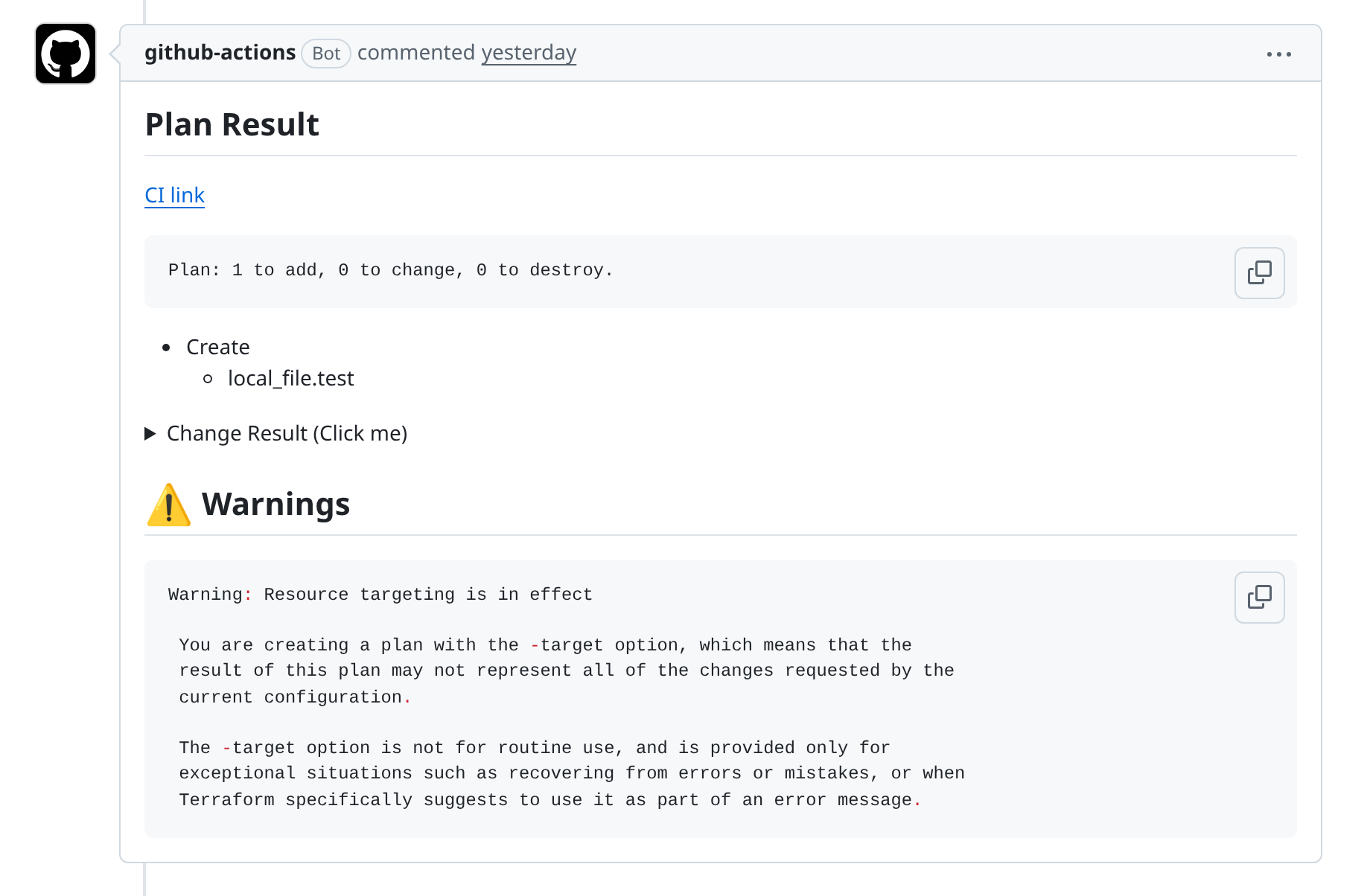
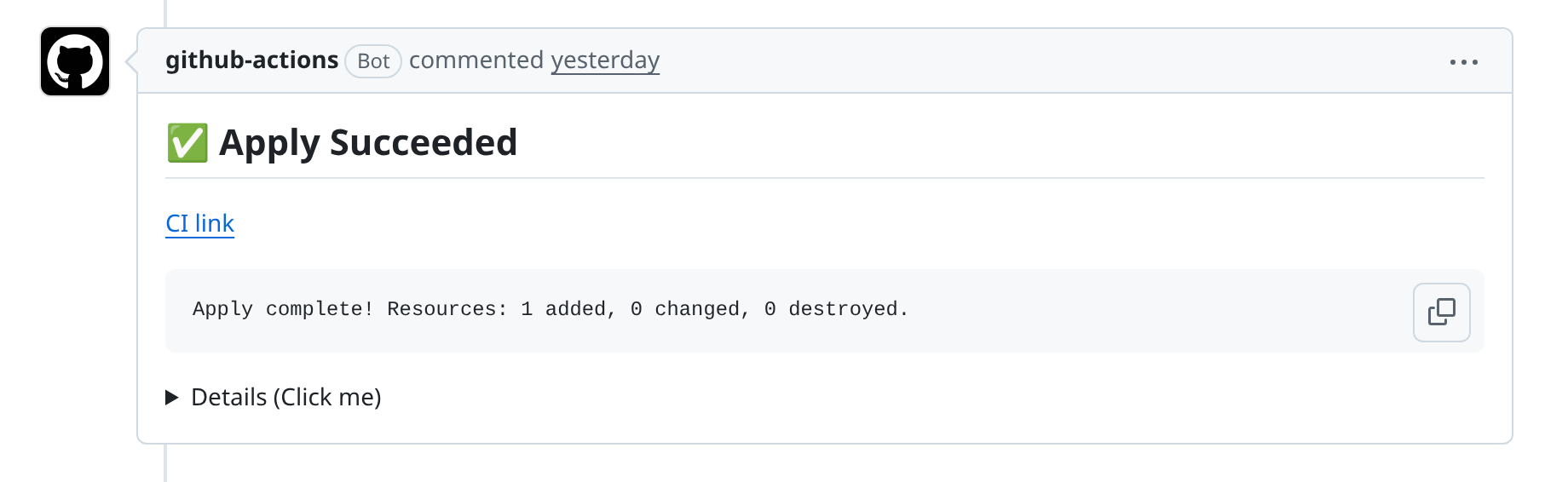
Normal apply should be:
The saved plan is tied to the environment and commit SHA. If new commits are pushed, run the plan again. If you run another successful plan for the same environment and commit, that newer saved plan supersedes the older one.
Do not use apply as a second plan
Normal apply must apply the saved plan from the matching .plan command. For example, a targeted plan followed by a plain apply should apply that targeted saved plan, not create a new untargeted apply.
Targeted plans follow the same rule:
The apply restores the saved targeted plan. It does not create a fresh plan.
PR comment -var-file values must stay inside the environment working directory after path and symlink resolution. Use relative paths and do not use absolute paths or .. traversal.
Rollback
Rollback uses the stable branch:
Rollback is intentionally separate from normal apply. It applies the stable branch directly and does not require a saved pull request plan.
Rollback does not accept Terraform arguments such as -target. A targeted apply
is not a reversible Terraform operation; there is no deterministic "undo only
this target" command. When recovery must be narrow, create a fix PR and use the
normal saved-plan flow.

Workflow Permissions
Use the least permissions that still support comments, checkout, deployments, locks, and checks:
permissions:
  contents: write
  pull-requests: write
  issues: write
  deployments: write
  checks: read
  statuses: read
  actions: read
actions: read lets the apply run list and download the plan artifact saved by the plan run. Add id-token: write when cloud credential setup uses GitHub OIDC.
Grant admin bypass sparingly. Prefer named users or a narrowly scoped team, and protect any admins-pat secret.
Checkout and Credentials
A workflow may do an initial default-branch checkout before trigger mode so the action can read .tf-branch-deploy.yml. Do not check out the target ref or configure cloud credentials until Branch Deploy accepts the command:
- uses: actions/checkout@v6
  if: env.TF_BD_CONTINUE == 'true'
  with:
    ref: ${{ env.TF_BD_REF }}

# Configure cloud credentials here.
This keeps cloud credentials behind Branch Deploy's command, permission, check, and lock decisions.
GitHub Token Isolation
The github-token input is used for Branch Deploy, PR comments, deployments,
and lifecycle cleanup. Terraform subprocesses do not receive that token as
GITHUB_TOKEN.
If Terraform itself needs to call the GitHub API, provide a separate, least-privileged credential only after trigger mode has accepted the command.
For production workflows, pin third-party actions such as actions/checkout and cloud authentication actions by full commit SHA. For Terraform Branch Deploy itself, use the exact release tag or full commit SHA you reviewed. Use the moving v0 tag only when you intentionally want automatic updates within the v0 release line.
Branch and Fork Settings
| Input | Recommended production value | Why |
|---|---|---|
outdated-mode |
strict |
Avoid deploying stale pull request branches. |
update-branch |
warn |
Surface drift without rewriting contributor branches. |
allow-sha-deployments |
false |
Keep deployments tied to reviewed pull request refs. |
allow-non-default-target-branch |
false |
Keep release flow on the default branch unless you use release branches. |
commit-verification |
project-specific | Enable when verified commits are required by policy. |
Repository Rulesets
Branch Deploy assumes the repository has a release discipline around the stable branch. Protect the default branch or matching ruleset before relying on deployments for production infrastructure.
Recommended ruleset checks:
- Prevent force pushes and branch deletion on the stable branch.
- Require pull requests before merging to the stable branch.
- Require current status checks before merge.
- Dismiss stale approvals when new commits are pushed.
- Require code owner review when ownership matters.
- Use required deployments when your release process depends on GitHub environments.
Locks
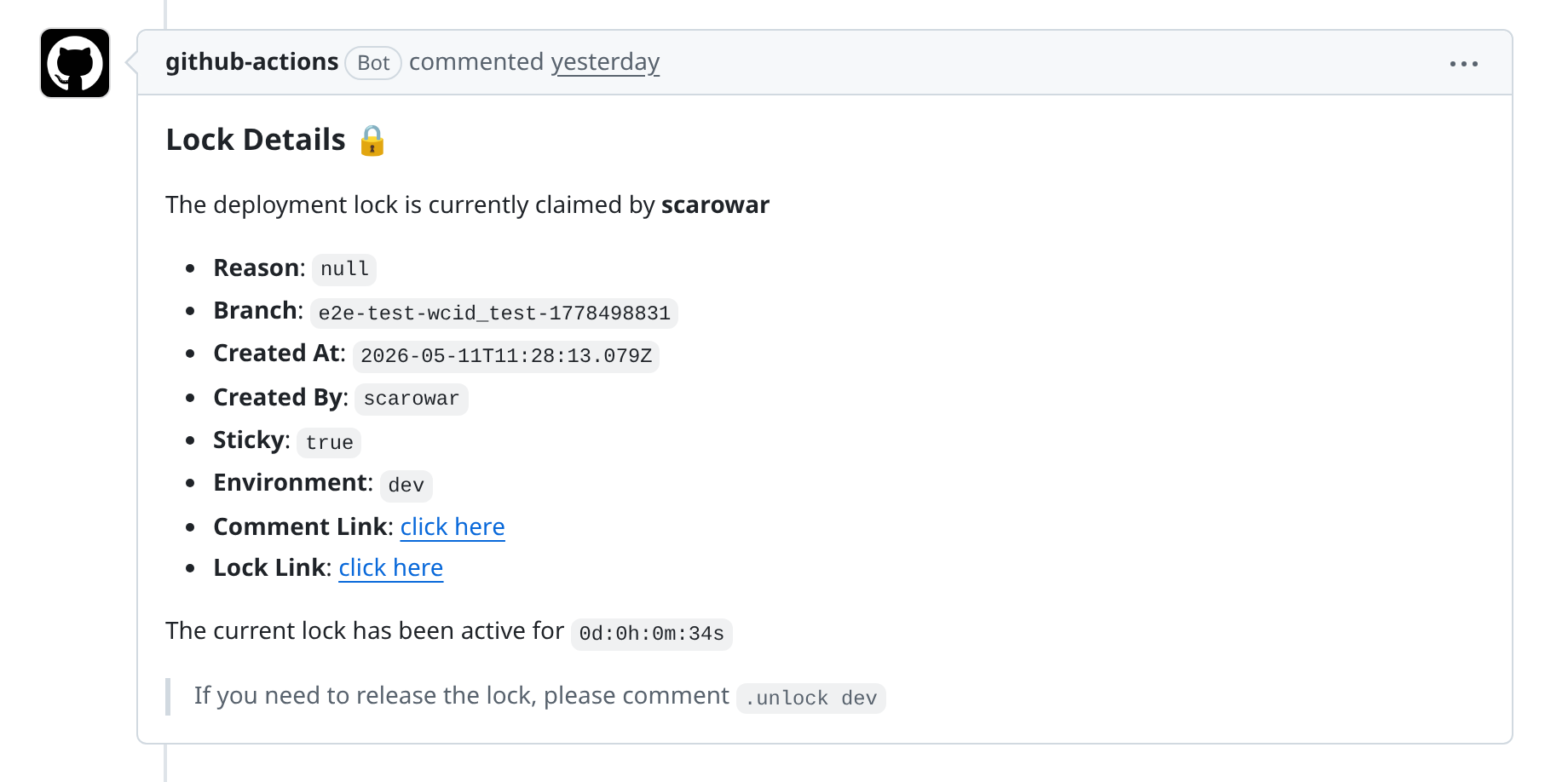
Use locks during maintenance or incident response:
By default, deployment locks are released after completion. Use sticky-locks: true only when a person should release the lock manually.
Production Promotion
Mark production environments in .tf-branch-deploy.yml:
Use Branch Deploy controls for stricter production flow:
with:
  enforced-deployment-order: "dev,staging,prod"
  deployment-confirmation: true
  deployment-confirmation-timeout: 300
Practical Checklist
- Use
disable-naked-commands: true. - Require CI with
checks: allorchecks: required. - Keep
outdated-mode: strictfor production. - Do not run Terraform Branch Deploy on forked pull requests.
- Keep
allow-sha-deployments: falseunless there is a specific operational need. - Limit
adminsand protect anyadmins-patsecret. - Define every production target in
production-environments. - Run
.plan to <env>again after new commits. - Use
.apply main to <env>only for rollback.